Food scanner for calories: every kind of food, and how to scan it
Food comes in three forms as far as a scanner is concerned: it has a barcode, it does not have a barcode, or it is a raw ingredient with a standard reference value. Each wants a different method, and mixing them up is where most tracking error begins.
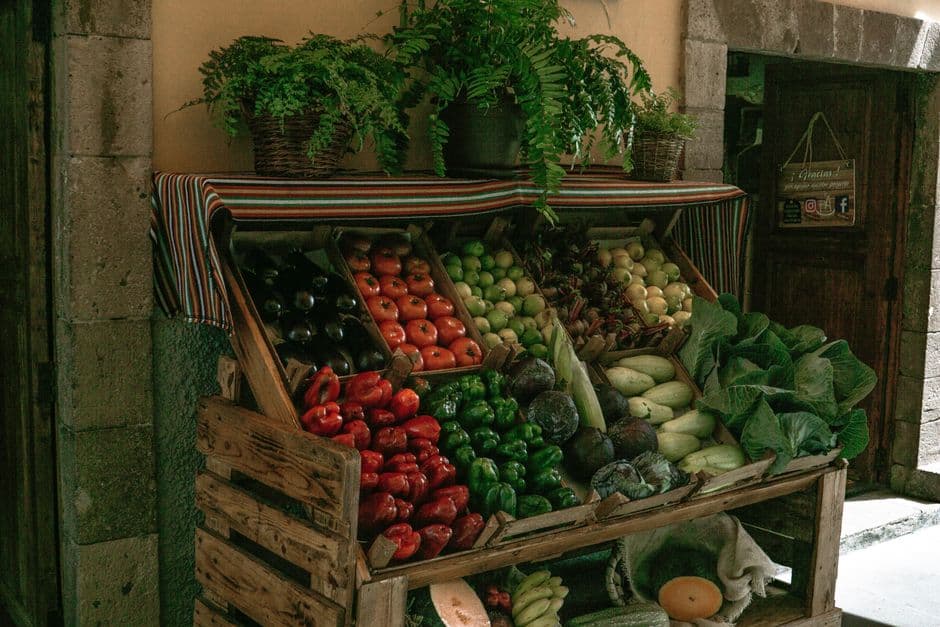
Three kinds of food, three methods
| Food | Method | Typical accuracy |
|---|---|---|
| Packaged, with a barcode | Barcode scan | As accurate as the label (±20% by regulation) |
| Cooked meal, restaurant plate | AI photo scan | ±15–25% for a clear photo |
| Fresh produce, meat, staples | Database lookup by name | ±10% if weighed, ±30% if estimated |
The instinct to use one method for everything is what causes trouble. Photographing a cereal box when the barcode is right there throws away a precise answer in favour of an estimate.
Packaged food: scan the barcode
If it has a barcode, that is always the best route. You get the manufacturer's own declared panel rather than anyone's estimate, specific to that exact product and that exact formulation.
The one habit that matters: check the portion. Databases store per 100 g, but you are eating a portion. Our calorie barcode scanner defaults to the manufacturer's serving, shows what it weighs, and recalculates as you adjust it.
Watch for multipacks. Scanning the outer box of a six-pack of yoghurts may return figures for the whole box rather than one pot. The stated serving size tells you which you are looking at.
Cooked meals: photograph the plate
Most of what people actually eat has no barcode. A curry, a canteen tray, a plate at a friend's house — none of it carries a label, and reconstructing it from ingredients is slow enough that most people give up.
The AI calorie scanner estimates each item's portion weight from the photograph and derives the macros from that. Shoot at an angle rather than straight down, get a fork or a standard plate in frame for scale, and add a note for anything the camera cannot see — cooking oil above all.
Fresh produce: look it up by name
An apple has no barcode and does not need a photograph. Search the name and take the standard reference value, which for unbranded whole foods comes from USDA FoodData Central and is about as settled as nutrition data gets.
The variable here is weight, not composition. A medium apple is 180 g and a large one is 250 g — a 40% difference on the same food. If you weigh fresh food for a week, you will calibrate your eye permanently and never need to weigh it again.
Two traps are worth naming. First, raw versus cooked: 100 g of dry pasta becomes around 250 g cooked, and the calorie figures differ accordingly. Match the state of the food to the state in the entry. Second, bone and skin: chicken thigh figures vary hugely depending on whether the entry includes them.
The awkward cases
Restaurant meals
Chains often publish nutrition data, which beats any estimate — check their site first. For independent restaurants, photograph the plate and expect the estimate to run low, because restaurant cooking uses considerably more fat than home cooking. Adding 15% to a restaurant estimate is a reasonable working correction.
Drinks
Scan the bottle or can. This is exact, and it matters more than people expect: drinks are easy to consume in quantity and easy to forget entirely. Alcohol is the common blind spot at roughly 7 calories per gram, second only to fat.
Cooking oil
The most under-recorded item in home cooking. A tablespoon is around 120 calories, and what goes in the pan does not all end up in the food — but a good deal of it does. Measure it rather than pouring, at least until you can judge it.
Deli-counter and weighed items
Barcodes starting 02 or 20–29 are shop-internal, encode a price, and mean different things in different branches. There is nothing to look up. Search the food by name instead.
How much precision is worth having
A useful principle: precision should match the size of the thing being measured. Getting a 600-calorie dinner roughly right matters enormously. Deciding whether a stick of celery is 6 or 9 calories does not, and the time spent on it is the main reason people abandon tracking altogether.
Scan what is easy to scan, estimate the rest, and let the week's pattern do the work rather than any single entry. That is a tracking habit that survives contact with real life, which is the only kind that helps.
Open the scanner — your first scan is free.
Try it yourself
Your first scan is free. No card needed.
Frequently asked questions
Can a food scanner work on food without a barcode?
What is the most accurate way to scan food for calories?
Can I scan a restaurant meal for calories?
Does a food scanner work on home-cooked meals?
Keep reading
More calorie scanner guides
Calorie scanner app
What it does, and why it needs no install.
Read →AI calorie scanner
Photograph a plate, get the macros.
Read →Calorie barcode scanner
Point at a label, read the panel back.
Read →Nutrition facts scanner
The whole panel, not just the number.
Read →Free calorie scanner app
What costs nothing, and what does not.
Read →Calorie scanner online
Scan in a browser, no download.
Read →Free counter with barcode scanner
Counting without the subscription.
Read →kcal scanner
Metric labels, kJ and kcal together.
Read →Calorie counter with scanner
Scan, log, and watch the day add up.
Read →Calorie tracker with scanner
A diary that fills itself in.
Read →Food tracker with scanner
Meals, days and weekly patterns.
Read →Macro tracker with scanner
Protein, carbs and fat, not just kcal.
Read →Calorie calculator scanner
Portions, recipes and per-100g maths.
Read →Best apps with a barcode scanner
Eight scanners, honestly compared.
Read →MyFitnessPal barcode scanner
What went behind the paywall, and when.
Read →FatSecret barcode scanner
Free, ad-supported, and how it scans.
Read →Lifesum barcode scanner
Design-led tracking and its limits.
Read →MyNetDiary barcode scanner
The database-first alternative.
Read →Scan your first food in about ten seconds
Point the camera at a barcode, or photograph a plate that does not have one.
Scan a food free